Guides
Short videos with a voice and captions. Each one shows one job in Kapshur, step by step, and the steps are written below each video too.
-
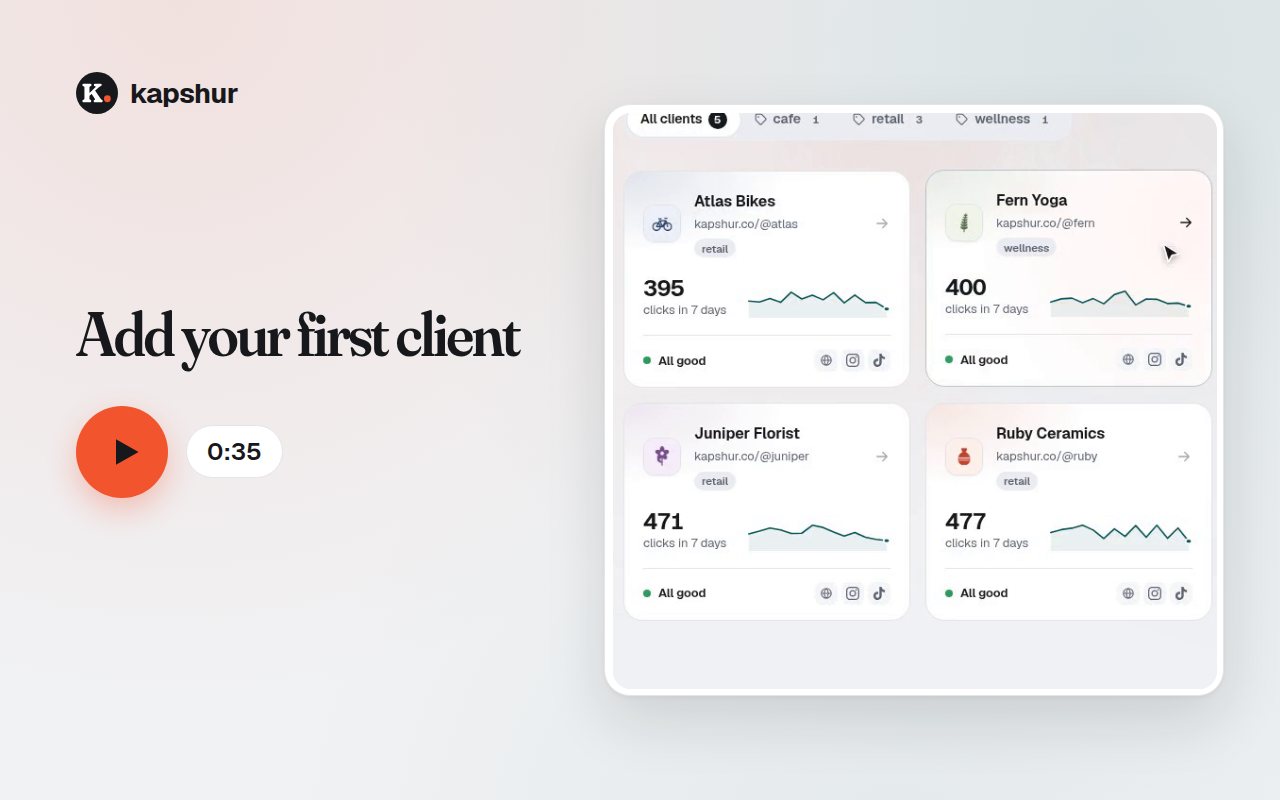
Add your first client
Add a client with its website. Kapshur reads the logo and colours and makes the first page for you. -
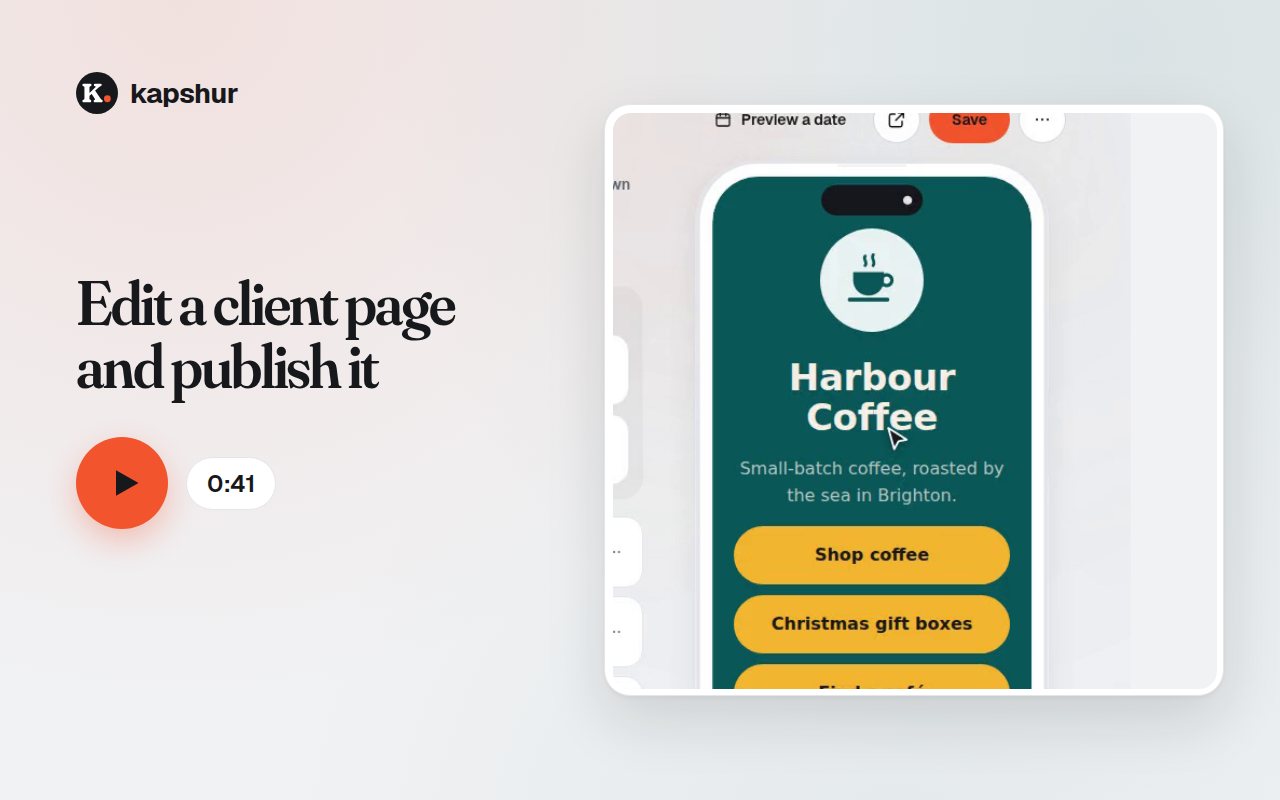
Edit a client page and publish it
Change the buttons on a client page, check the phone preview, and publish with one Save. -
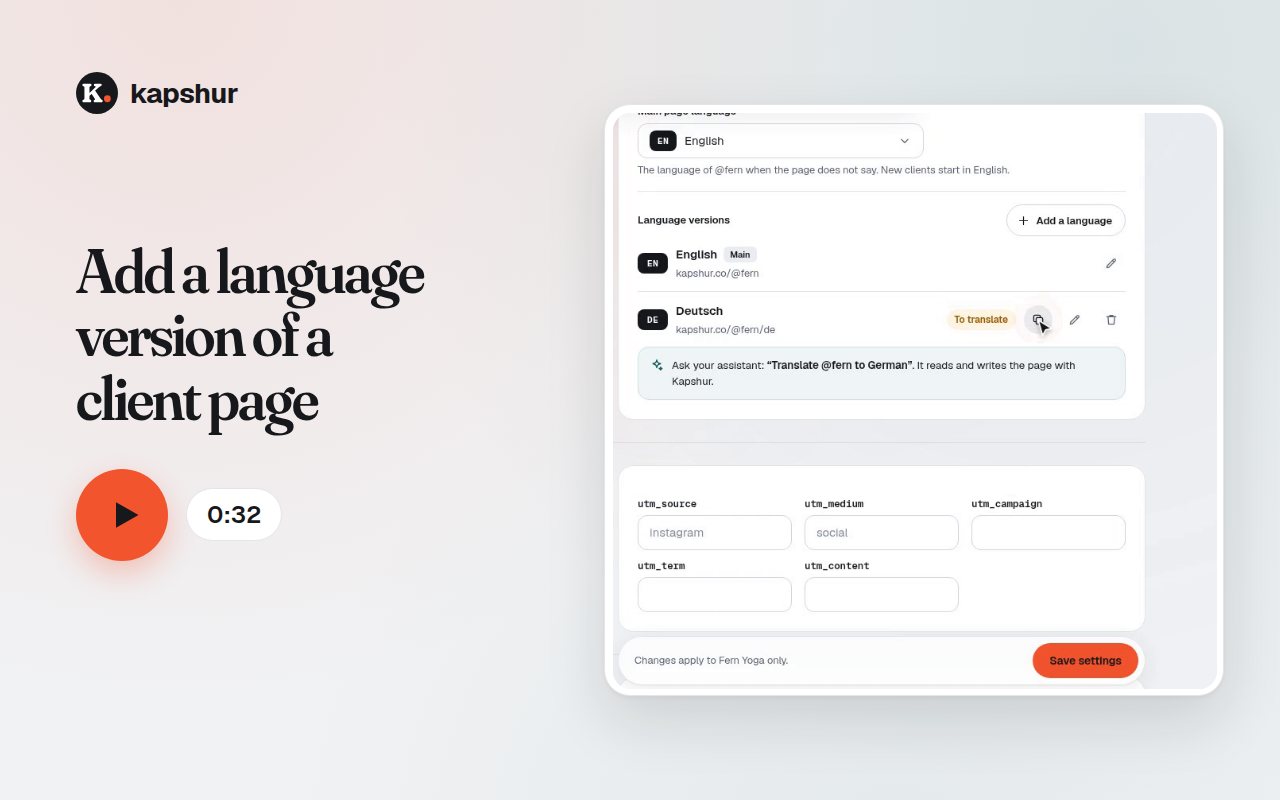
Add a language version of a client page
Give a client page a second language. Visitors get a language switch, and search engines get the right version. -
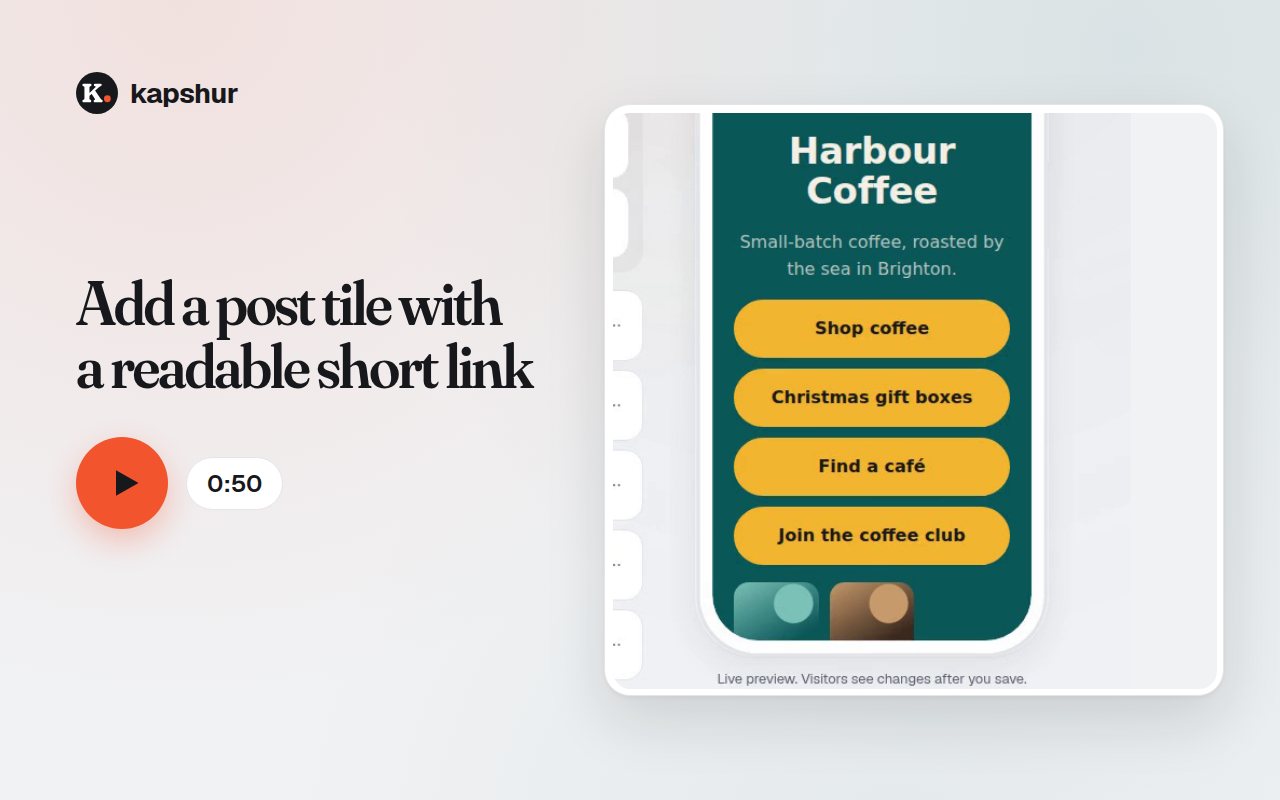
Add a post tile with a readable short link
Add a post as a picture tile with its own short link, like kapshur.co/xmas, and see which post sent each sale. -
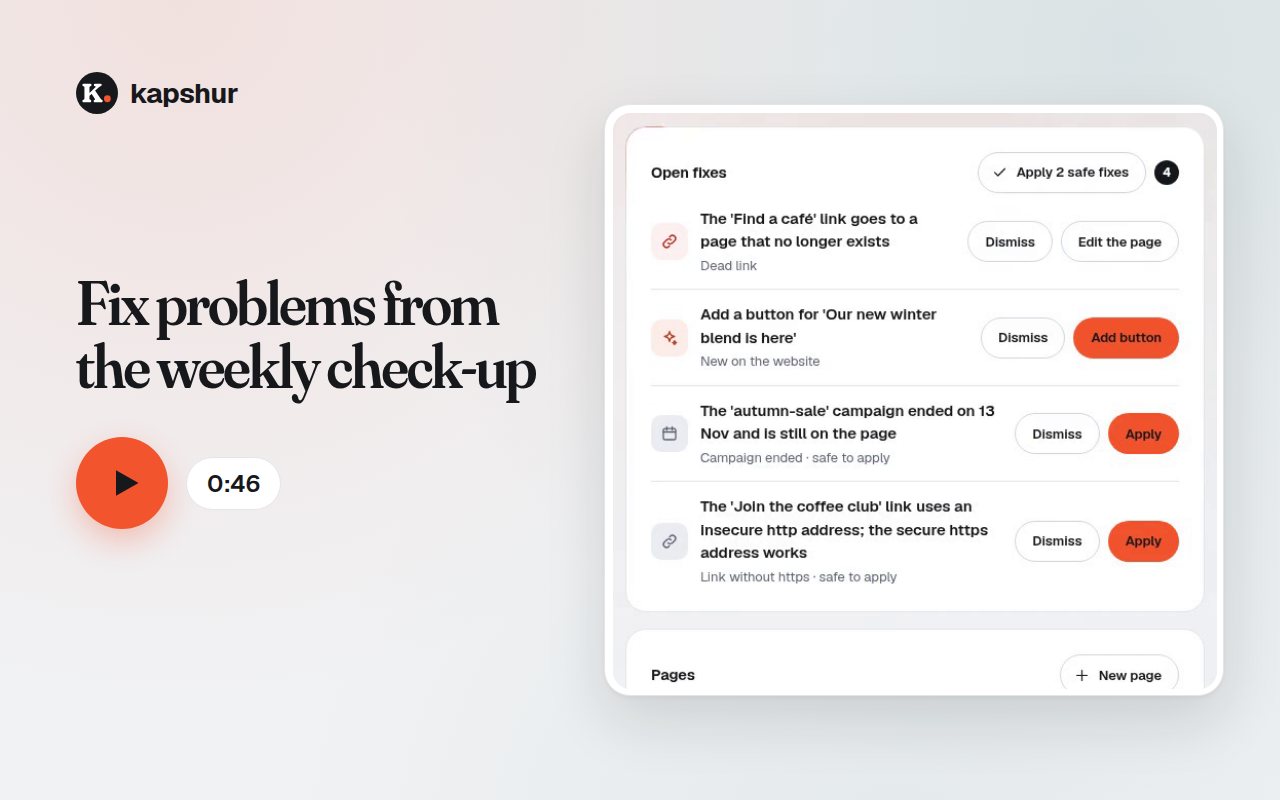
Fix problems from the weekly check-up
Each week Kapshur finds dead links, ended campaigns and new website posts. Apply each fix in one tap. -
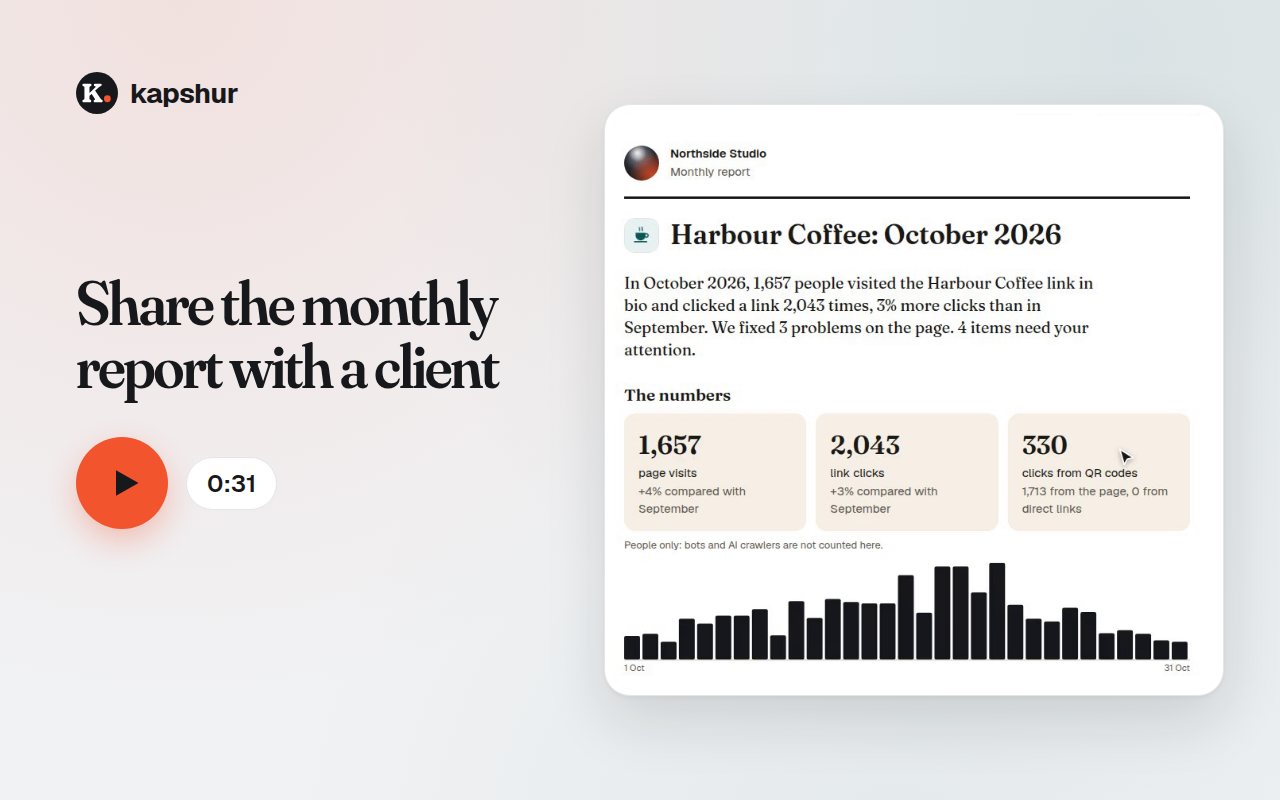
Share the monthly report with a client
Send each client a monthly report with your branding: a private link, or a PDF. -
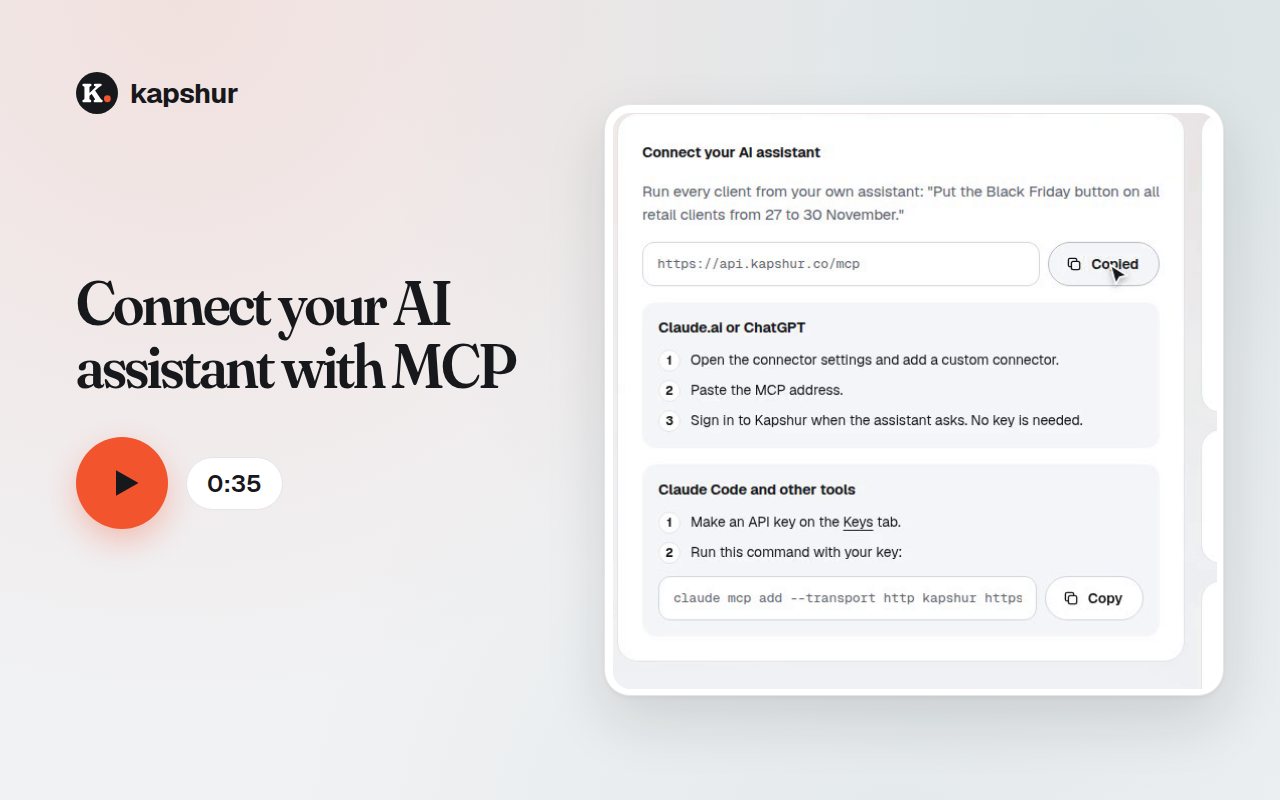
Connect your AI assistant with MCP
Connect Claude, ChatGPT or another assistant with MCP, and run every client page from one chat. -
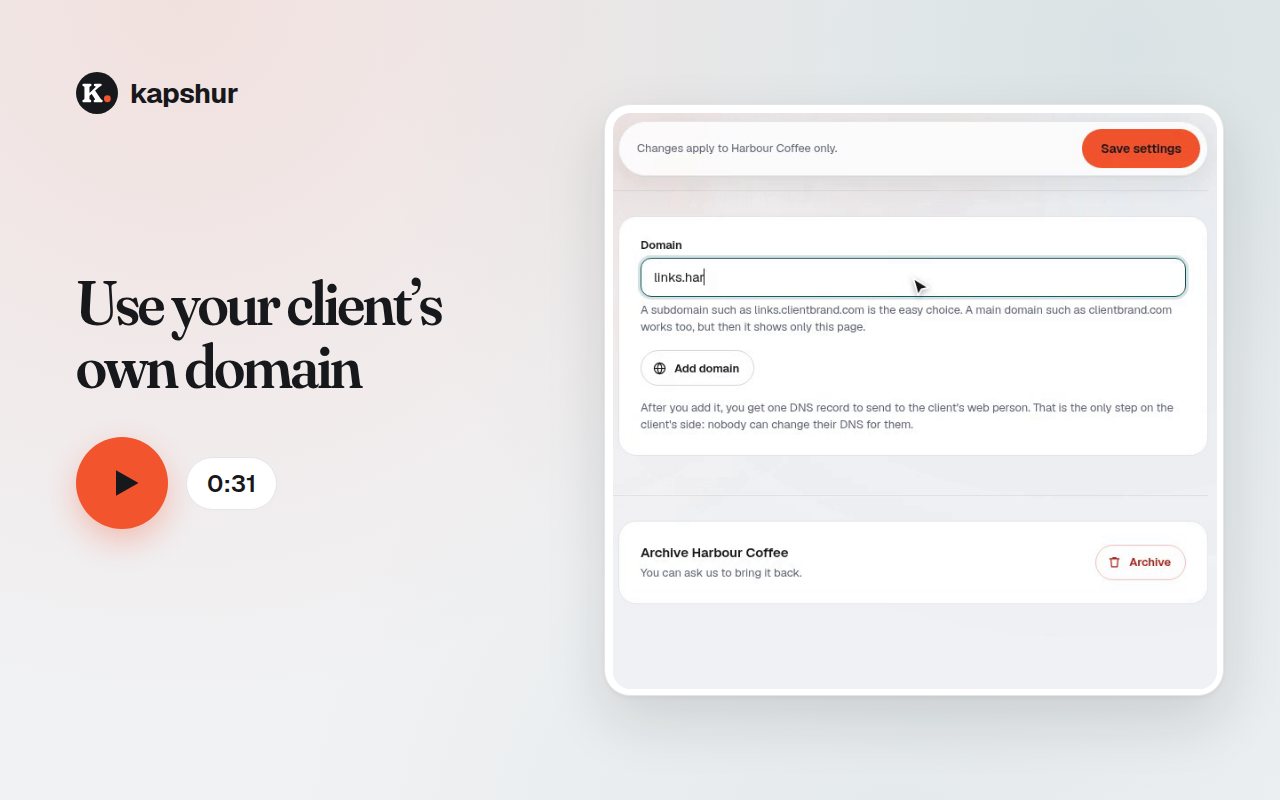
Use your client’s own domain
Show the page on the client’s own domain, like links.clientbrand.com. One DNS record, and Kapshur does the rest. -
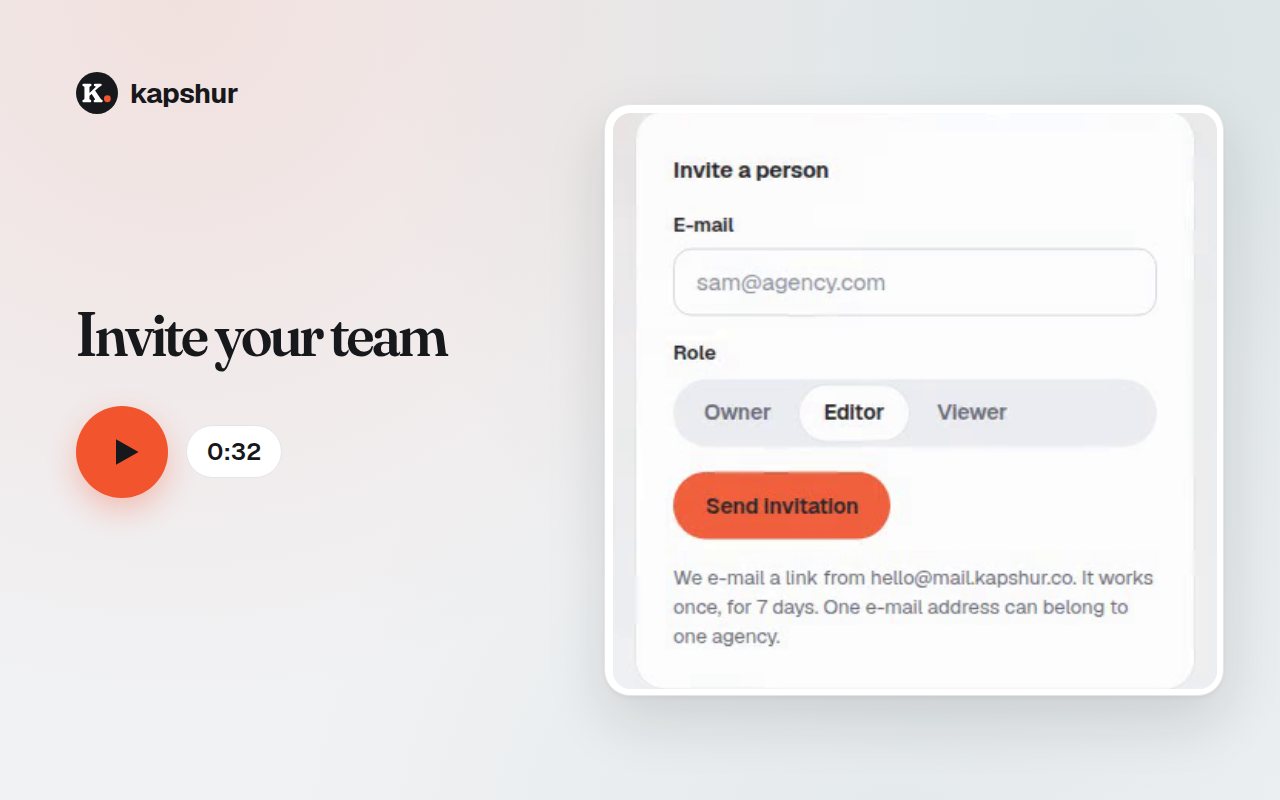
Invite your team
Invite your team as owners, editors or viewers. Every change shows who made it.


Try it with your own clients.
Add your clients, and Kapshur checks every page each week. Your clients install nothing.
Free for 2 clients. No card.